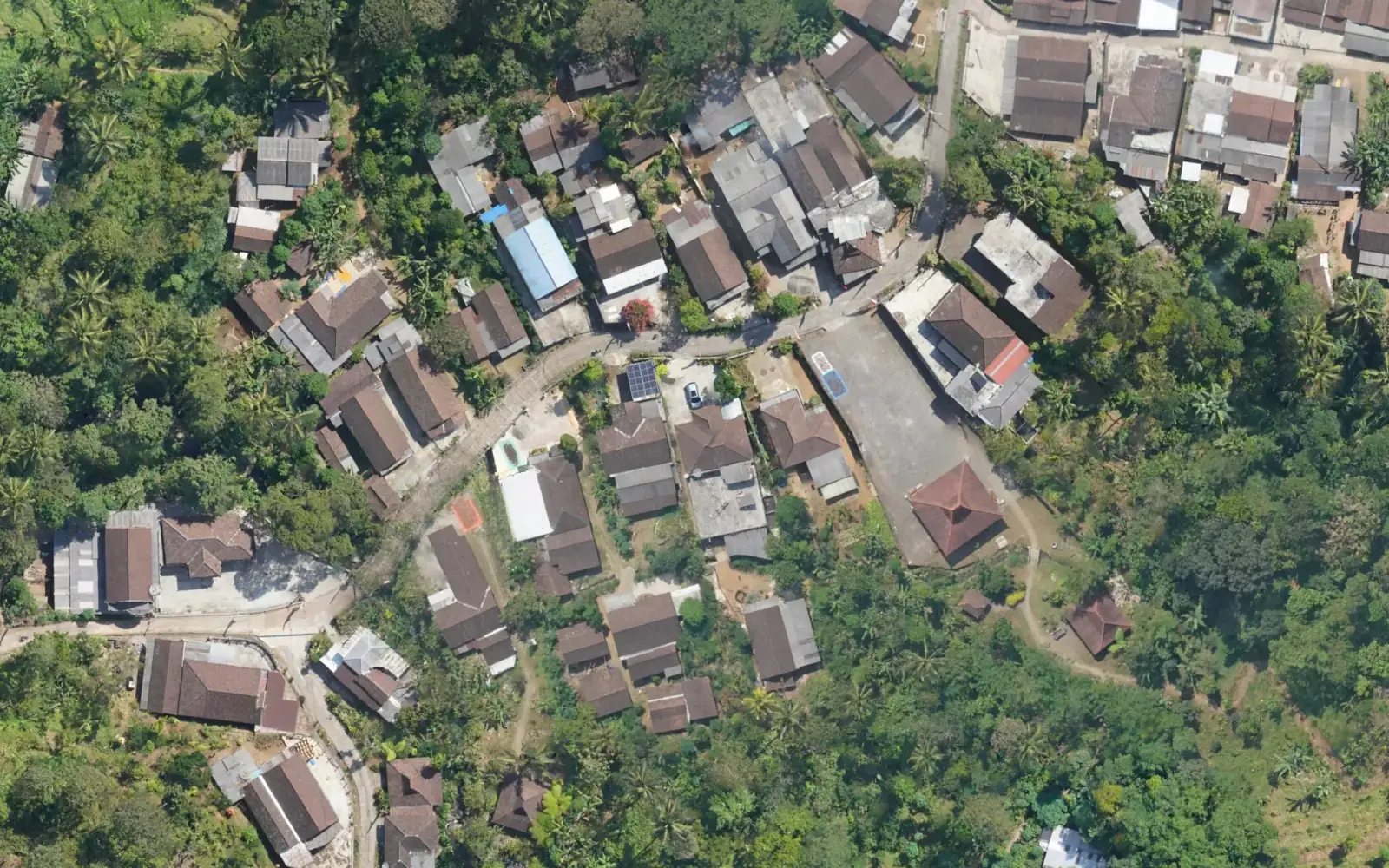
Satellite imagery stops at zoom 18. The drone orthophoto stays sharp to zoom 21.
Same spot, Kampung Adat Segunung in Carangwulung village. Drag the line across the image, then step the zoom up.
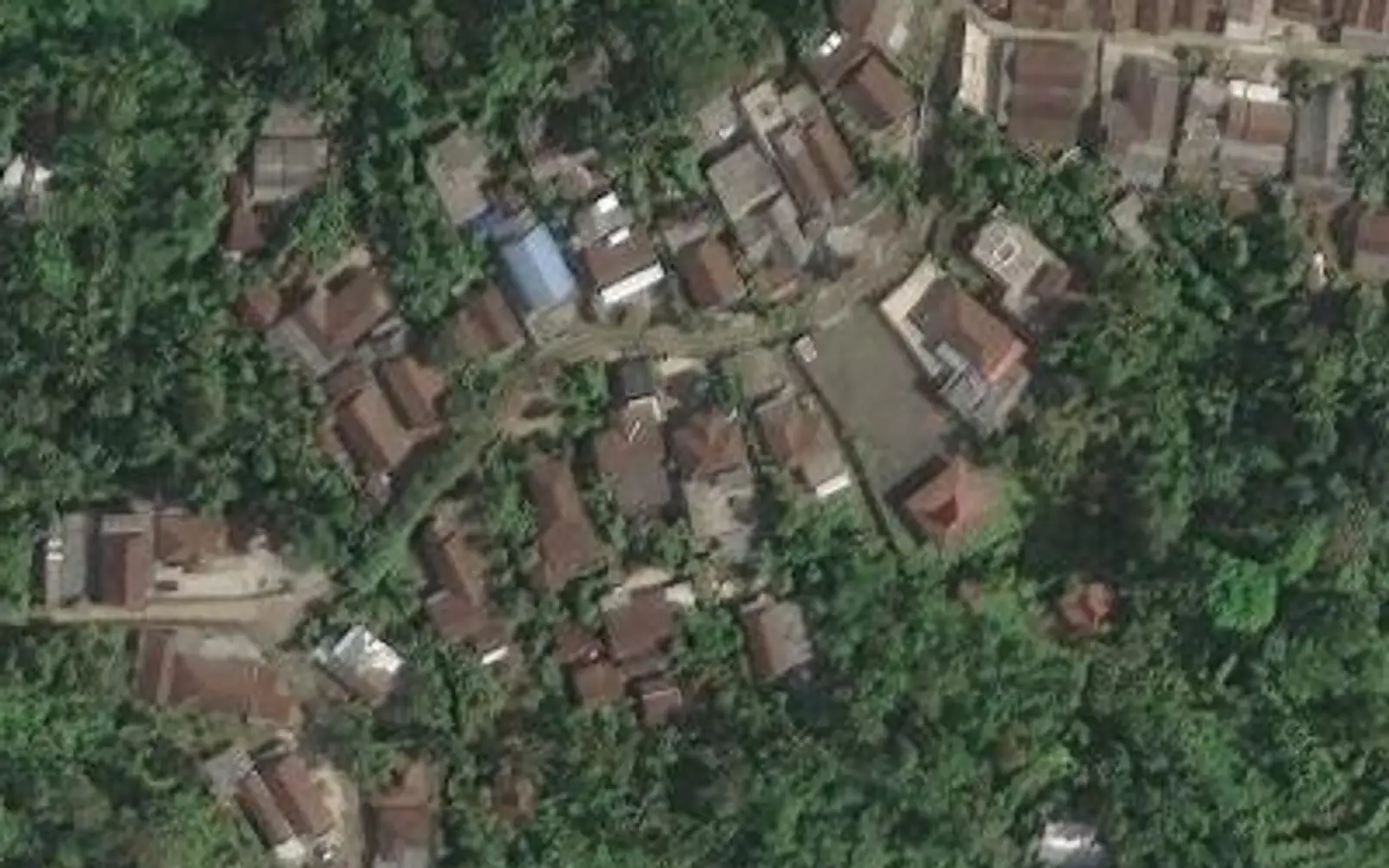
 Satellite · Esri
Drone · 1:500
Satellite · Esri
Drone · 1:500
Left: Esri World Imagery, available up to zoom 18 at this point and enlarged beyond that. Right: drone orthophoto up to zoom 21. Orthophoto © Desa Carangwulung. Satellite imagery © Esri, Maxar, Earthstar Geographics.
Open this spot in the live demoSix layers of data, one area
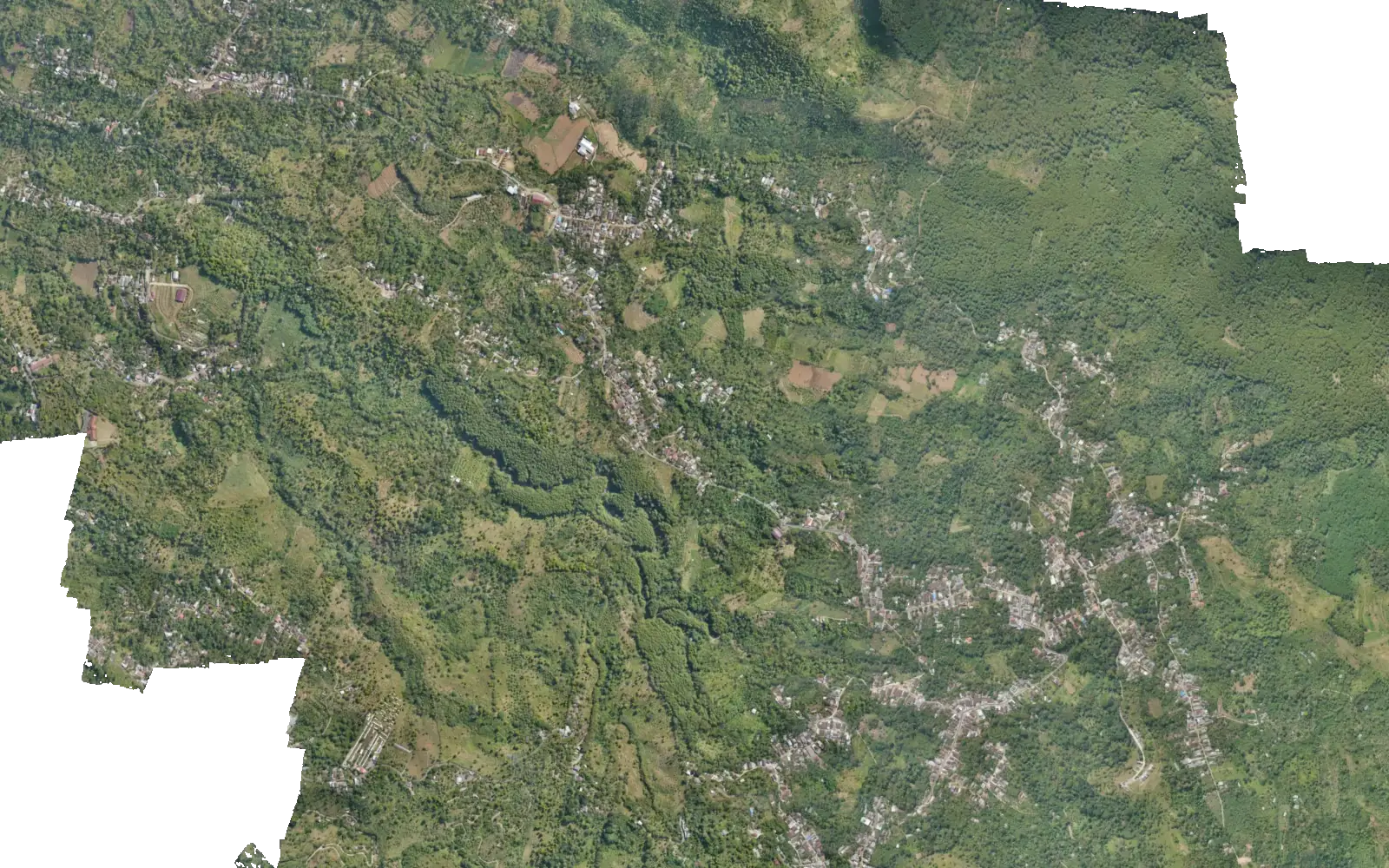
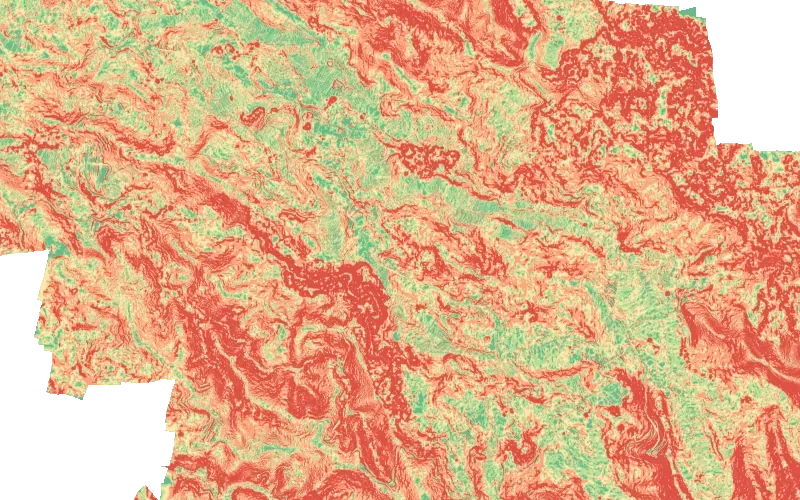
Switch the layers on one at a time. Hover over the map, or tap on a phone, to read the coordinates, elevation and slope at that point. Everything here is real data from the Carangwulung demo.
Slope
- 0–8% flat
- 8–15% gentle
- 15–25% moderate
- 25–45% steep
- > 45% very steep
Slopes above 25% near homes or roads deserve a landslide check.
Elevation (m asl)
The area on this map sits between roughly 440 and 990 m above sea level.
Object height
- 1,5–5 m
- 5–10 m
- 10–20 m
- 20–35 m
- > 35 m
DSM minus DTM. Anything under 1.5 m is left out.
No thematic layer
Pick a thematic layer to see its legend. Relief and contours can stay on together.
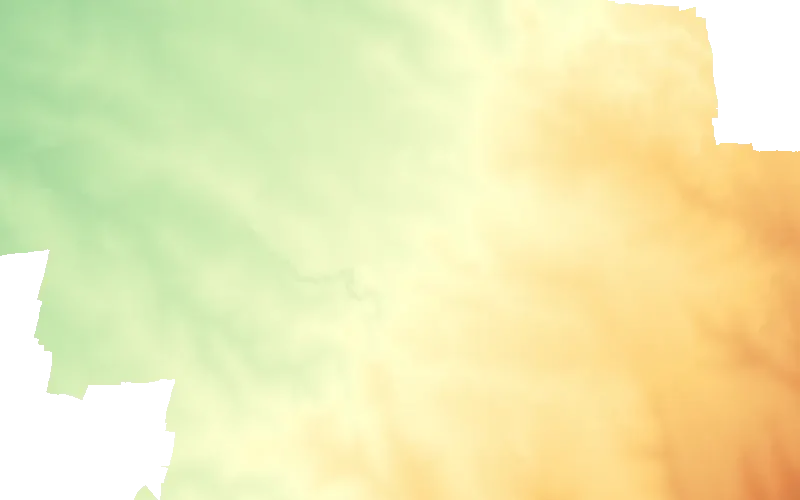
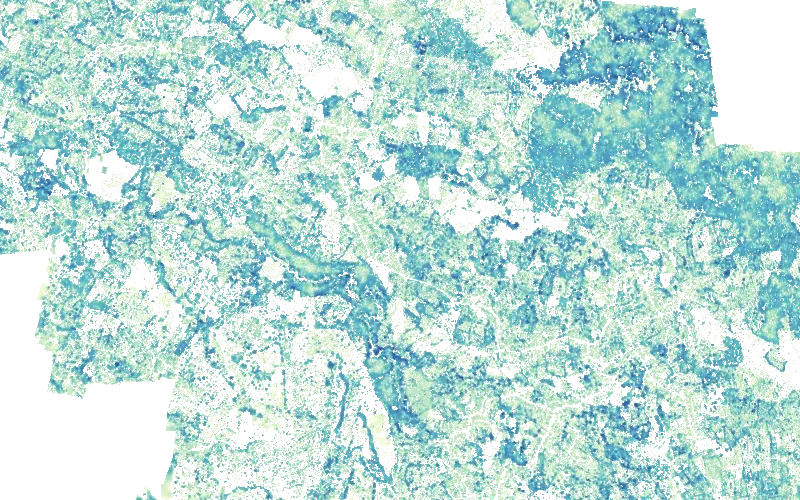
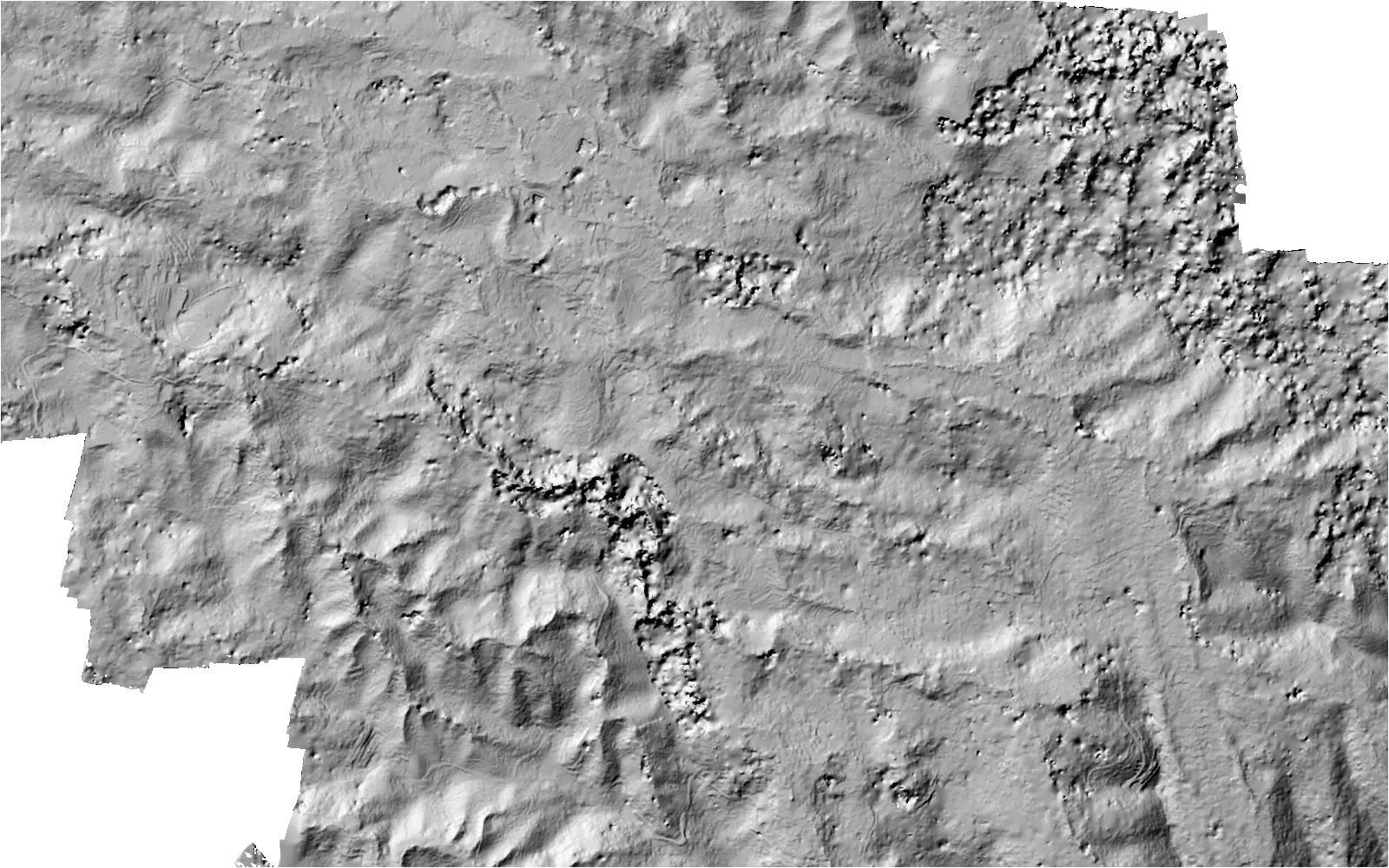
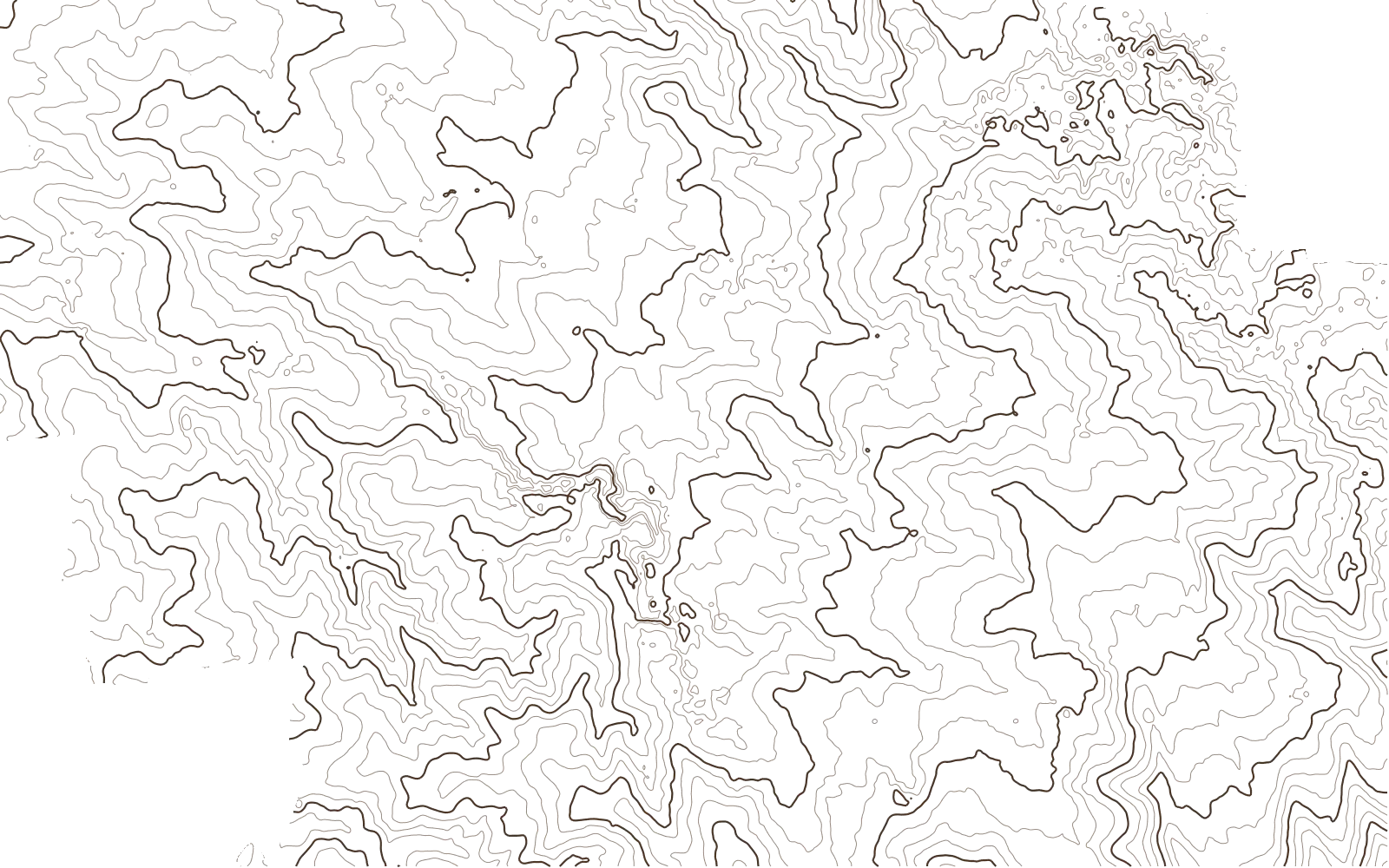
From the village hall to the regency office
The same map gets used in different ways. Pick the one closest to your work.
What usually happens
Facility data is spread across ledgers, Excel files and WhatsApp groups. The village map that exists is old and can't be zoomed into.
With GeoGIS
Roads, health posts, schools and mosques sit on top of a fresh orthophoto that you can put on the projector in a meeting. The slope map helps point out homes to check before the rainy season.
What usually happens
Visitors ask for directions by DM and still get lost on village lanes that have no names.
With GeoGIS
Waterfalls, viewpoints, warungs and homestays each get a pin with a 360° photo, opening hours, a WhatsApp button and directions. One link is all you need to share on Instagram or in a WhatsApp group.
What usually happens
Village spatial data can only be opened by the one person who knows GIS software. Everyone else waits for screenshots.
With GeoGIS
Orthophotos, contours, slope and the 3D model open in a browser on anyone's laptop. Measure distance, area and height difference for a first look before the field survey.
What usually happens
Mapping from an outreach programme ends up as a report appendix and files on the team's hard drive.
With GeoGIS
The orthophoto and 3D model go live as a map residents can open, and the village can keep its directory up to date after the programme ends.
What usually happens
Clients receive tens of gigabytes of orthophoto on a hard drive and have no software to open it.
With GeoGIS
Hand over the orthophoto, DSM, 3D model and point cloud as a single link the client can open on a laptop or phone.
From aerial photos to a link you can share
Survey data
Orthophoto, DSM/DTM, 3D model or point cloud from a drone survey. No data yet? Tell us about the area when you request a demo.
Processing
The data is cut into light tiles (PMTiles and 3D Tiles), so a phone only downloads the part on screen.
Fill the directory
Local staff add places, photos, opening hours and WhatsApp numbers in the admin panel, or import them from CSV.
Go live
The map goes live at its own address, like carangwulung.geogis.web.id, and opens on phones and computers alike.
Village staff can run it themselves
It's a plain form: name, category, photos, opening hours and a location pin. Anyone used to filling in forms on a phone can work with it.
Two access roles
Admins manage everything. Editors only manage places.
Photos and video shrink automatically
Phone photos are resized in the browser before upload. Videos up to 2 minutes are converted to 720p.
Mark 360° photos
Panoramas are recognised and turned into a 360° photo with one click.
Opening hours per day
Up to two time ranges a day, 24-hour opening included. The open or closed status shows on the map automatically.
Draft and publish
Places marked as draft stay off the public map until they are ready.
Location from anywhere
Paste coordinates or a Google Maps link, use the phone's GPS, or click on the map.
CSV import and export
Move a list of places over from a spreadsheet in one upload. The template is in the panel.
Change history
Who changed what, and when, is all on record.
An 881 MB orthophoto, opened a piece at a time
Carangwulung's orthophoto is stored as a single 881 MB file. The browser only asks for the pieces on screen, usually a few hundred kilobytes, so the map stays light even on mobile data.
Illustration of per-piece requests (HTTP range requests). The amount per screen depends on screen size and zoom level.
- MapLibre GL2D map, layers, 3D terrain
- PMTilesOrthophoto and thematic tiles in one file each
- CesiumJS · 3D Tiles3D model and point cloud of the whole village
- Pannellum360° photo viewer
- OpenStreetMap · OSRMBasemap and directions by car, motorbike, bike and on foot
- GeoJSON · CSVPlace data in formats other software can read
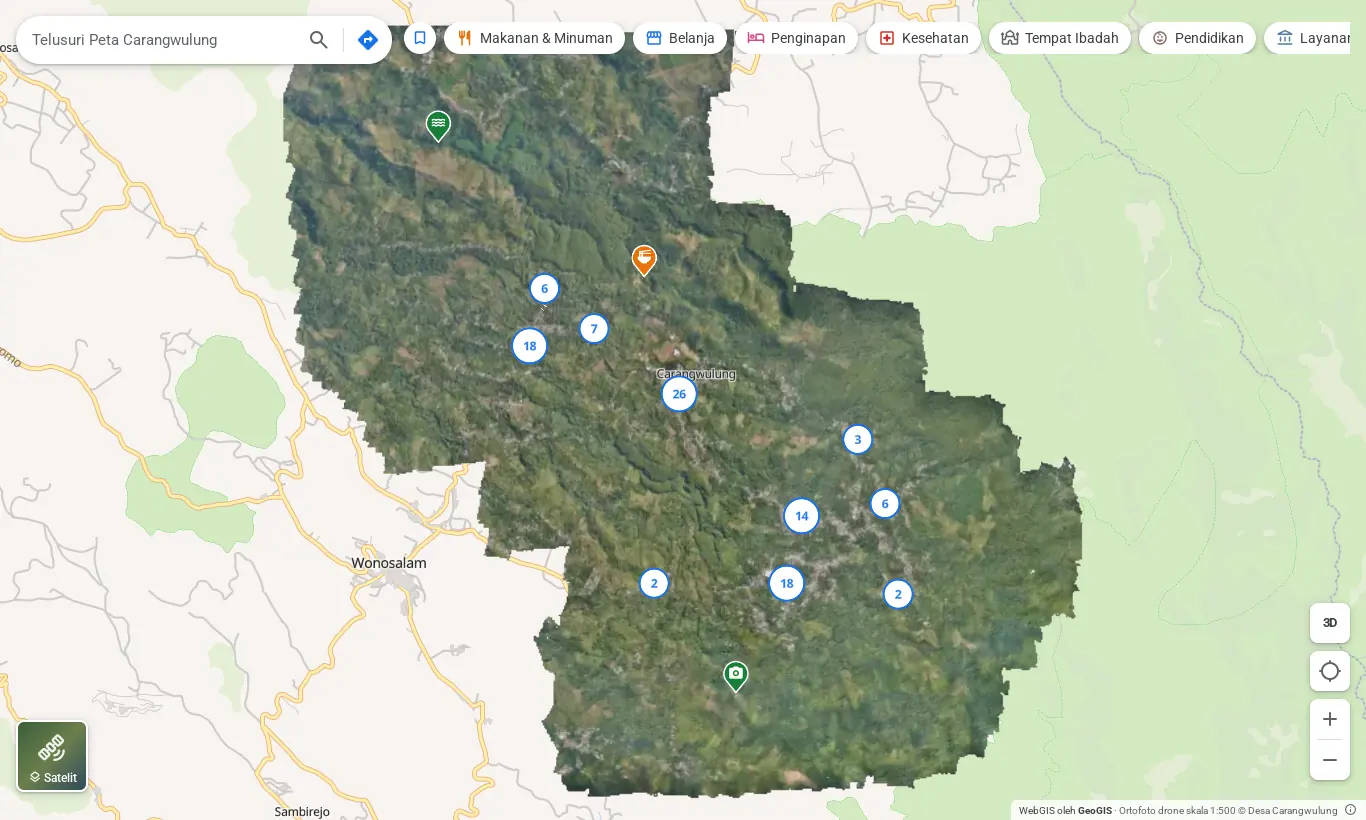
A working example: the Carangwulung map
A village in Wonosalam, Jombang regency, East Java. Every feature on this page is there for you to try.
- Orthophoto
- 1:500, 4.7 cm resolution
- Directory
- 100+ places, 10 groups
- Terrain
- Slope, elevation, contours, object height
- 3D
- 3D model and point cloud
Do we need drone data first?
Not necessarily. The places directory, directions and the basemap work without an orthophoto. The orthophoto, the 3D model and the slope analysis do need drone survey data. Tell us about your area when you request a demo.
Does anyone need to install an app?
No. GeoGIS runs in the browser on Android phones, iPhones and computers. Just share the link.
Who keeps the places up to date?
Whoever you choose, through the admin panel. Admins manage everything, editors only manage places, and every change is kept in the history.
Can we export the place data?
Yes. The list of places can be imported from CSV and exported back to CSV from the admin panel, so it isn't locked into one system.
Does it work for areas bigger than one village?
Our demo maps a single village. For a tourism area, several villages at once or another kind of area, tell us what you need when you request a demo.
How much does it cost?
It depends on the size of the area, the data you already have and the features you need. We go through the numbers after the demo.
Want to see your area from above?
Fill in a short form, then press send in WhatsApp. The GeoGIS team gets the message already laid out.