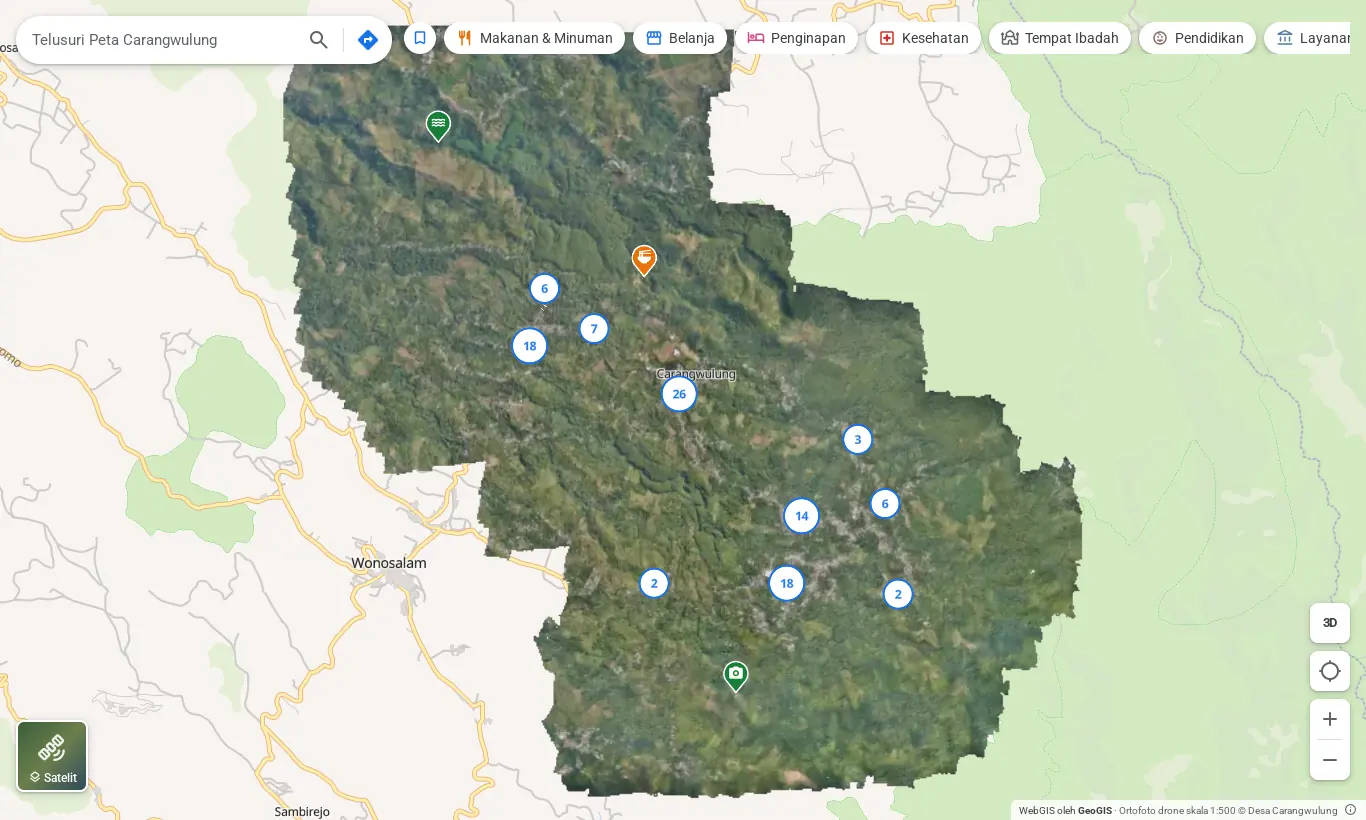
What's on this map
The base is a 1:500 drone orthophoto at 4.7 cm per pixel, zoomable to level 21. On top of it sits the terrain data: hillshade, contours, slope, elevation, and the height of buildings and trees.
The 3D view holds a 3D model and point cloud of the village, with tools to measure distance, area and height. The directory lists more than 100 places with photos, opening hours and contacts, plus directions by car, motorbike, bicycle and on foot.
What the directory holds today
Places per group recorded in the demo on 27 October 2026.
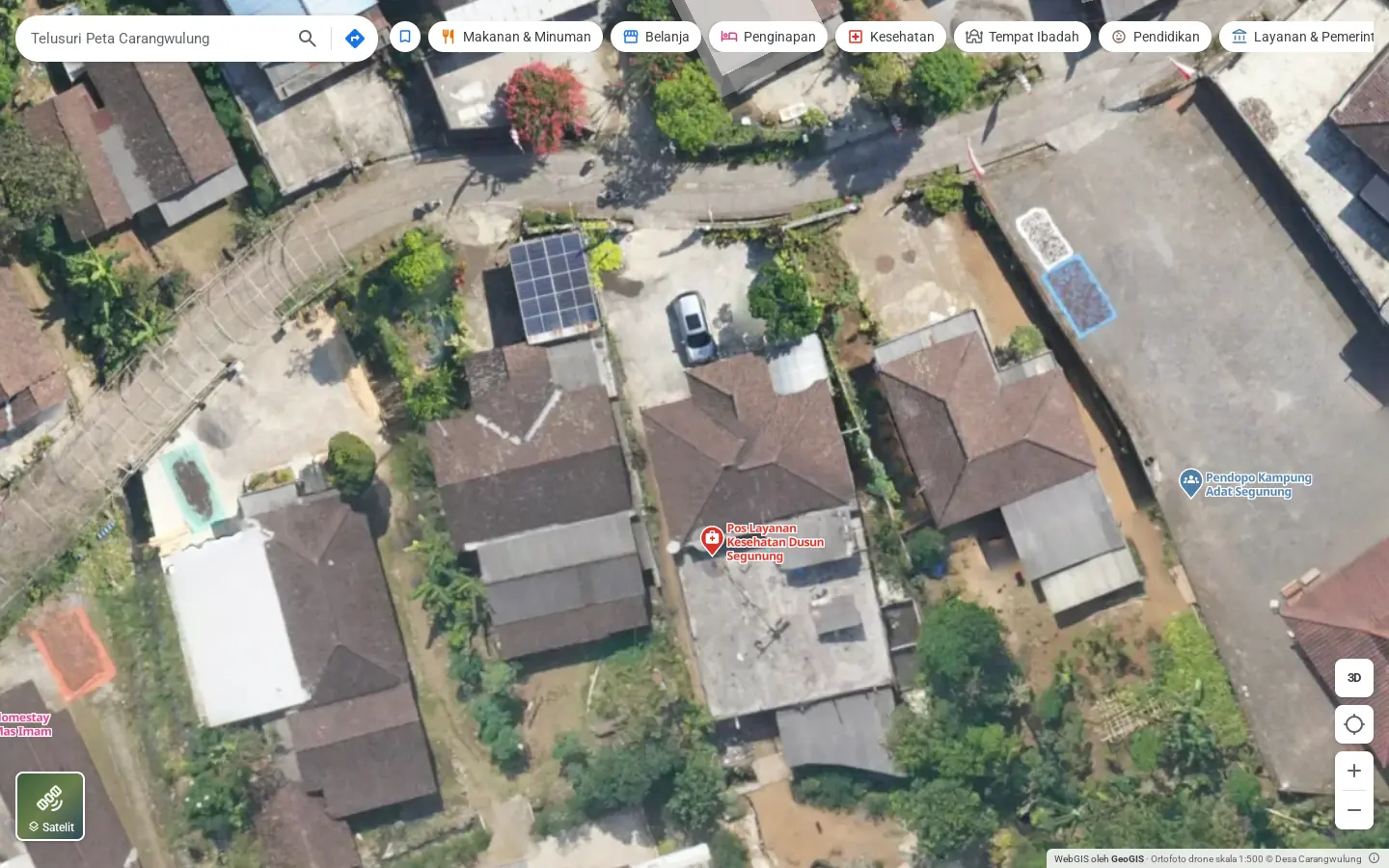
How detailed the orthophoto is
At zoom 20 you can tell apart the solar panels on a roof, a car in the yard and a water tank. Satellite imagery of the same spot stops at zoom 18.
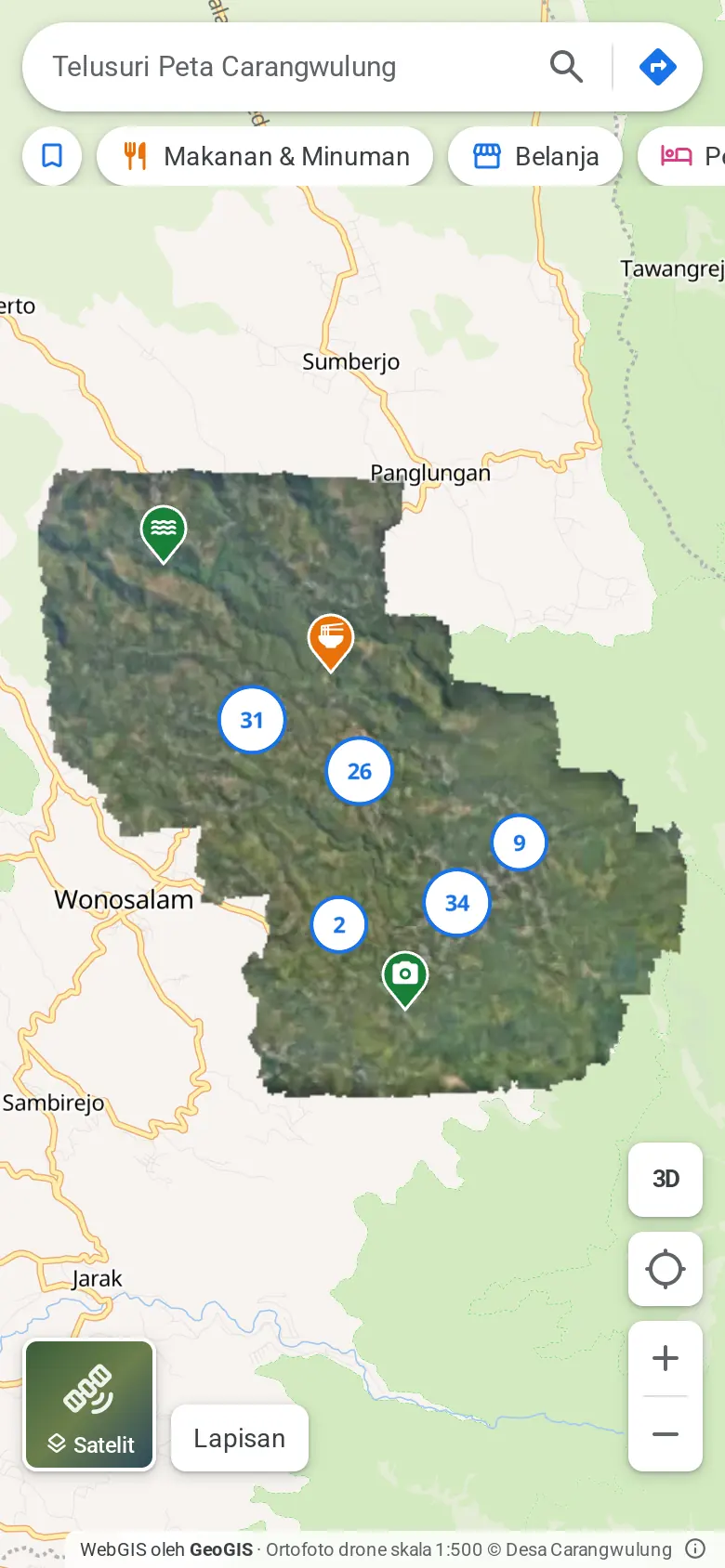
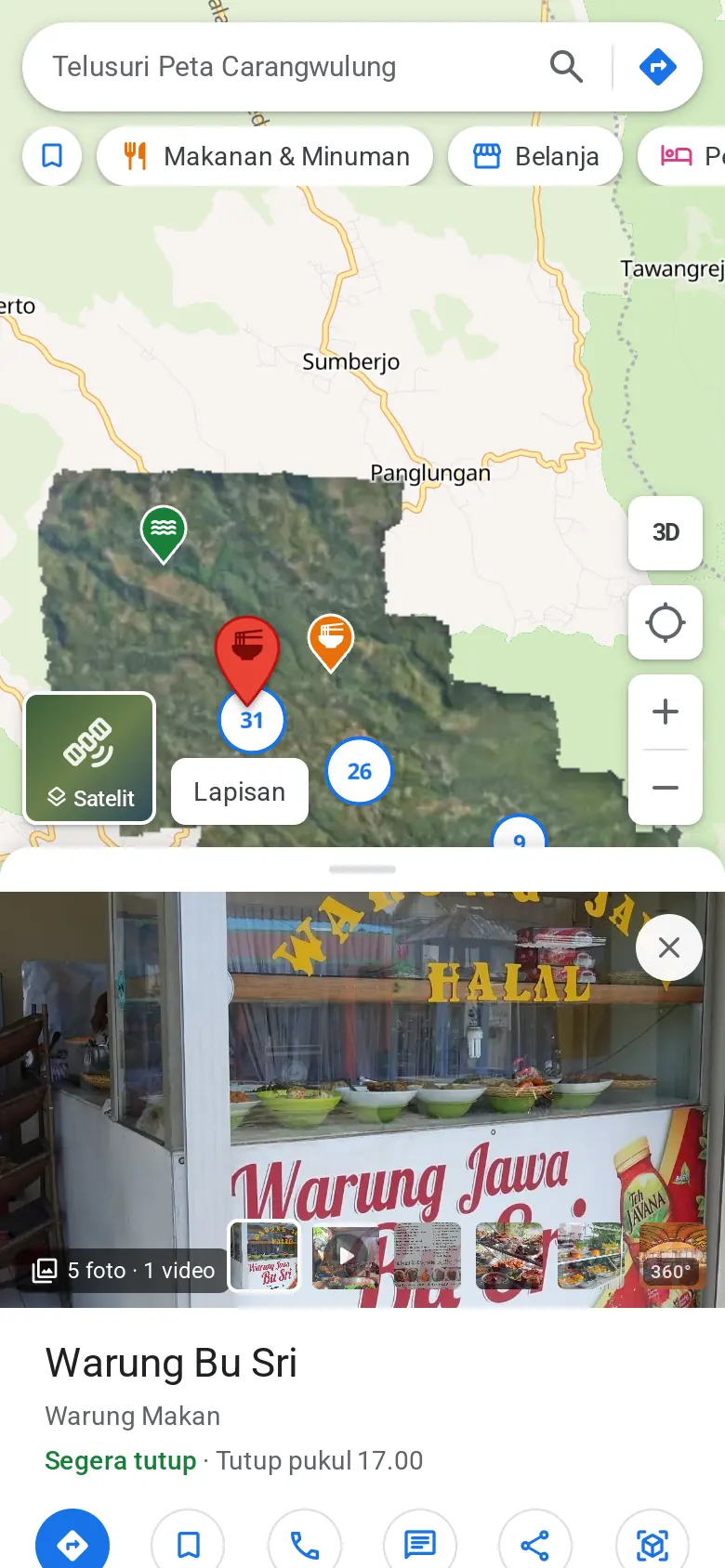
On a phone
The side panel becomes a sheet you pull up from the bottom. Directions, WhatsApp and share stay within thumb's reach.
Try it yourself in the demo
- Open the Layers menu, choose Slope (Kemiringan lereng), then zoom into the houses along the valley edge.
- Tap a place, press Route (Rute) and switch the mode to motorbike or walking.
- Press 3D, switch on the point cloud and measure the height between a road and a treetop.
- Tap an empty spot on the map to see its coordinates and elevation.
Orthophoto, terrain data and 3D model © Desa Carangwulung. The demo interface is in Indonesian.