GeoGIS/Features
Every feature, grouped by the job it does
Everything on this page already works in the Carangwulung demo. Open it to try things yourself, or ask us to walk you through it.
Maps & imagery
The base for everything else: sharp aerial imagery on a map that opens quickly.
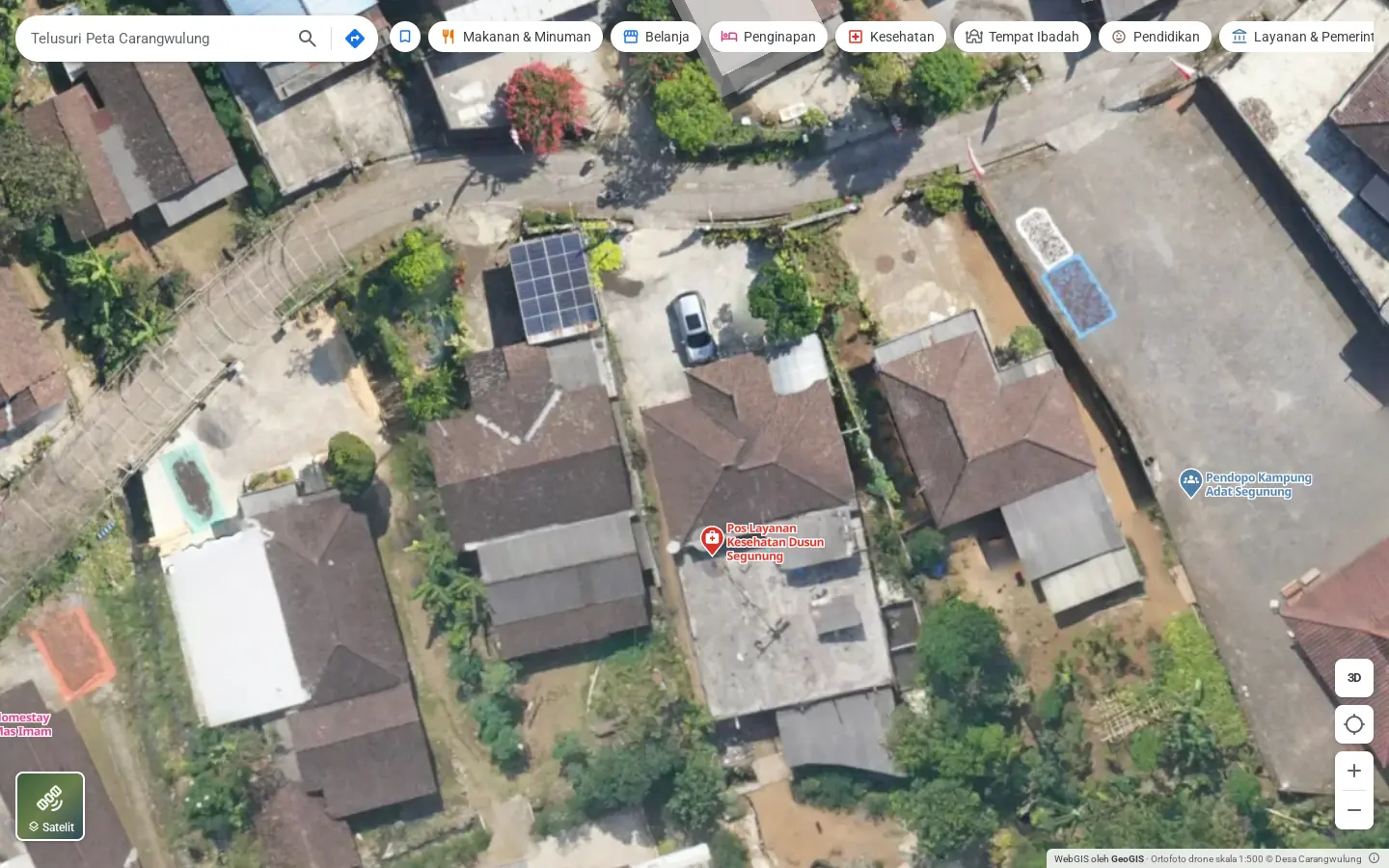
- 1:500 drone orthophoto4.7 cm per pixel, zoomable to level 21.
- Basemap and satelliteSwitch between a street map (OpenStreetMap) and satellite imagery in one tap.
- Jump to the whole surveyOne button to fit the full extent of the orthophoto.
- Tiles in a single fileThe orthophoto is stored as PMTiles, so the browser only fetches the pieces on screen.
- Scale and creditsScale, resolution and the data owner are printed on the map.
- Click anywhereGet the coordinates, the elevation above sea level and directions to that spot.
Terrain & analysis
Layers derived from the surface model (DSM) and the terrain model (DTM).
- 3D terrainTilt the map to see the shape of hills and valleys.
- HillshadeHill shading that makes the terrain readable on a flat map.
- Contour linesGenerated from the elevation data.
- SlopeFive classes from flat to very steep, with a note on slopes above 25% near homes or roads.
- ElevationA colour ramp of height in metres above sea level.
- Object heightHeight of buildings and trees from DSM minus DTM, from 1.5 m up.
Want to try these layers on real data? There's a layer explorer on the home page.
3D view
The village as a 3D model and a point cloud, opened in the browser with CesiumJS.
- 3D modelA photogrammetry model of the full survey area in 3D Tiles.
- Point cloudShow it in true colour (RGB) or classified as ground, vegetation and buildings.
- Measure distanceHorizontal and slope distance between two points on the model.
- Measure area and heightClick a few points for an area, or two points for a height difference.
- Quick viewpointsTop view, an orbit/tilt mode and a button to frame the whole village.
- Data saverA low-quality setting for slow connections.
Places directory
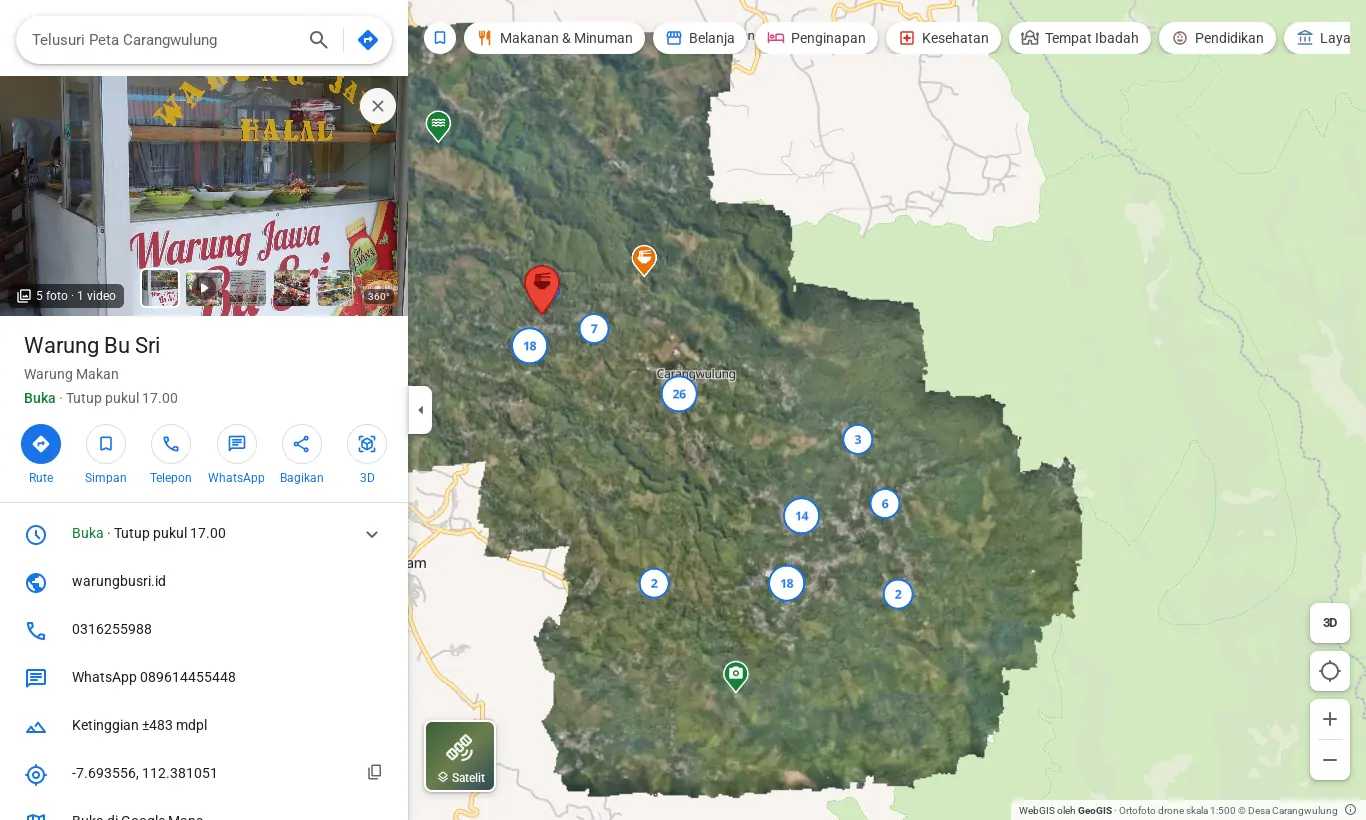
Warungs, schools, health posts, homestays and sights, with what people need to know before they go.
- 10 category groupsFood, shopping, lodging, health, worship, education, services, transport, sights and more.
- Search with suggestionsSearch by name, category or address, or paste coordinates. Recent searches are remembered.
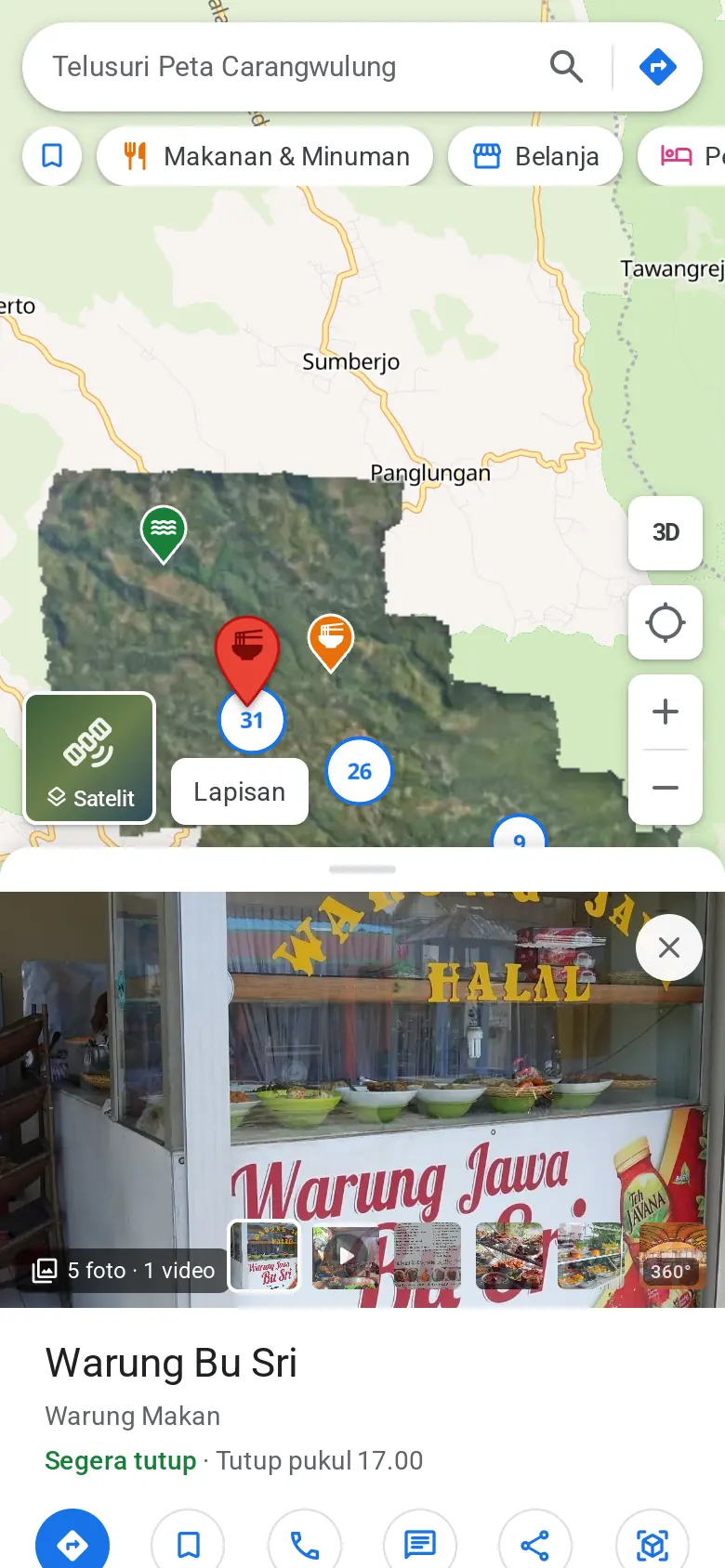
- Opening hours with live status"Open", "Closes at 5 pm" or "Open 24 hours", worked out from the weekly schedule.
- Everyday buttonsDirections, call, WhatsApp, website, copy address and copy coordinates.
- Save on this deviceBookmark places without creating an account.
- Elevation for every placeThe place panel shows its height above sea level from the terrain data.
360° photos & media
So people can see a place before they visit.
- 360° photo viewerOpen it from the place panel and drag to look around.
- Photo gallerySwipe between photos or use the arrow keys.
- Short videosClips of up to 2 minutes to show what a warung or a sight feels like.
- Cover photoStaff choose which photo shows first.
Directions
From where you are, or any point, to where you're going.
- Four modesCar, motorbike, bicycle and walking.
- Alternative routesCompare distance and travel time across options.
- Turn-by-turn stepsStep-by-step instructions, in Indonesian.
- Pick a start pointUse your location, pick on the map, or swap start and destination.
- Continue in Google MapsOne button opens the same route in Google Maps.
Admin panel
For the village staff and tourism managers who keep the map up to date.
- Admins and editorsAdmins manage everything, editors only manage places.
- Add and edit placesName, category, address, phone, WhatsApp, website, description and opening hours.
- Draft and publishPlaces that aren't ready stay off the public map.
- Location from anywhereCoordinates, a Google Maps link, the phone's GPS, or a click on the basemap, satellite or orthophoto.
- Photo and video uploadDrag and drop. Photos are resized and videos converted to 720p in the browser before upload.
- Categories and iconsColoured groups, an icon per category and a mapping to Google Maps place types.
- CSV import and exportUpload a list of places from a spreadsheet. There's a template, and rows that fail get reported.
- Change historyA record of who changed what, and when.
Sharing & access
A map that easily reaches the people who need it.
- Nothing to installRuns in the browser on phones and computers.
- Links to a placeEvery place has its own link that opens its panel directly.
- Links to a map viewShare a view at exactly the same zoom and centre.
- Native share on phonesSend a place by WhatsApp or any app through the phone's share sheet.
Want to see your area from above?
Fill in a short form, then press send in WhatsApp. The GeoGIS team gets the message already laid out.